Before installing, please ensure that:
- Your iPhone is updated to the latest iOS version.
- Your Apple Watch is running the latest watchOS version.
- You have connected Apple Watch with your iPhone.
- Tap this link:
http://link.laosgolf.la/mobile-apps
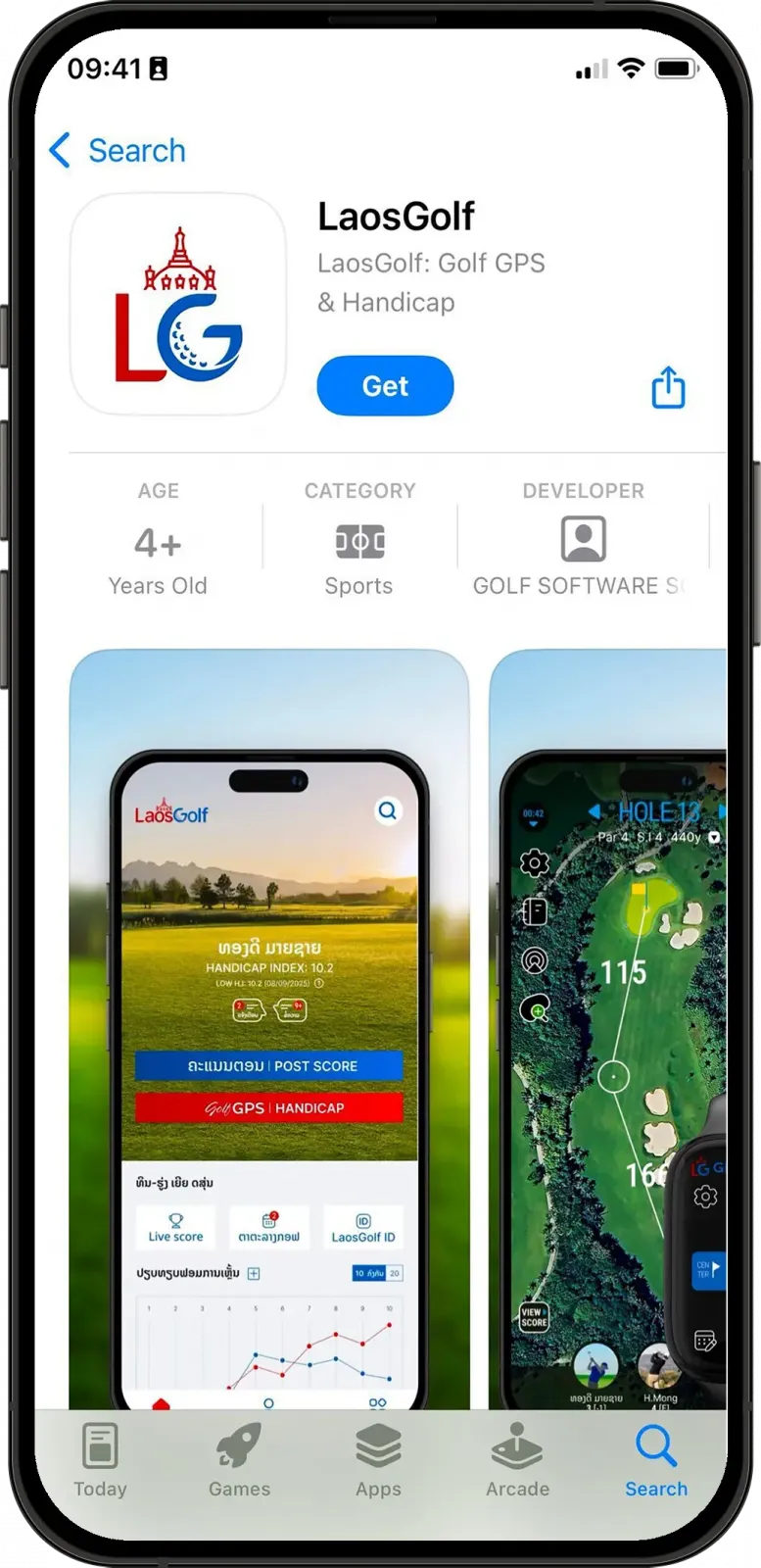
- Or open the App Store on your iPhone and search for LaosGolf Golf GPS & Handicap.
- Tap the LaosGolf icon and select “Get” to install the app.
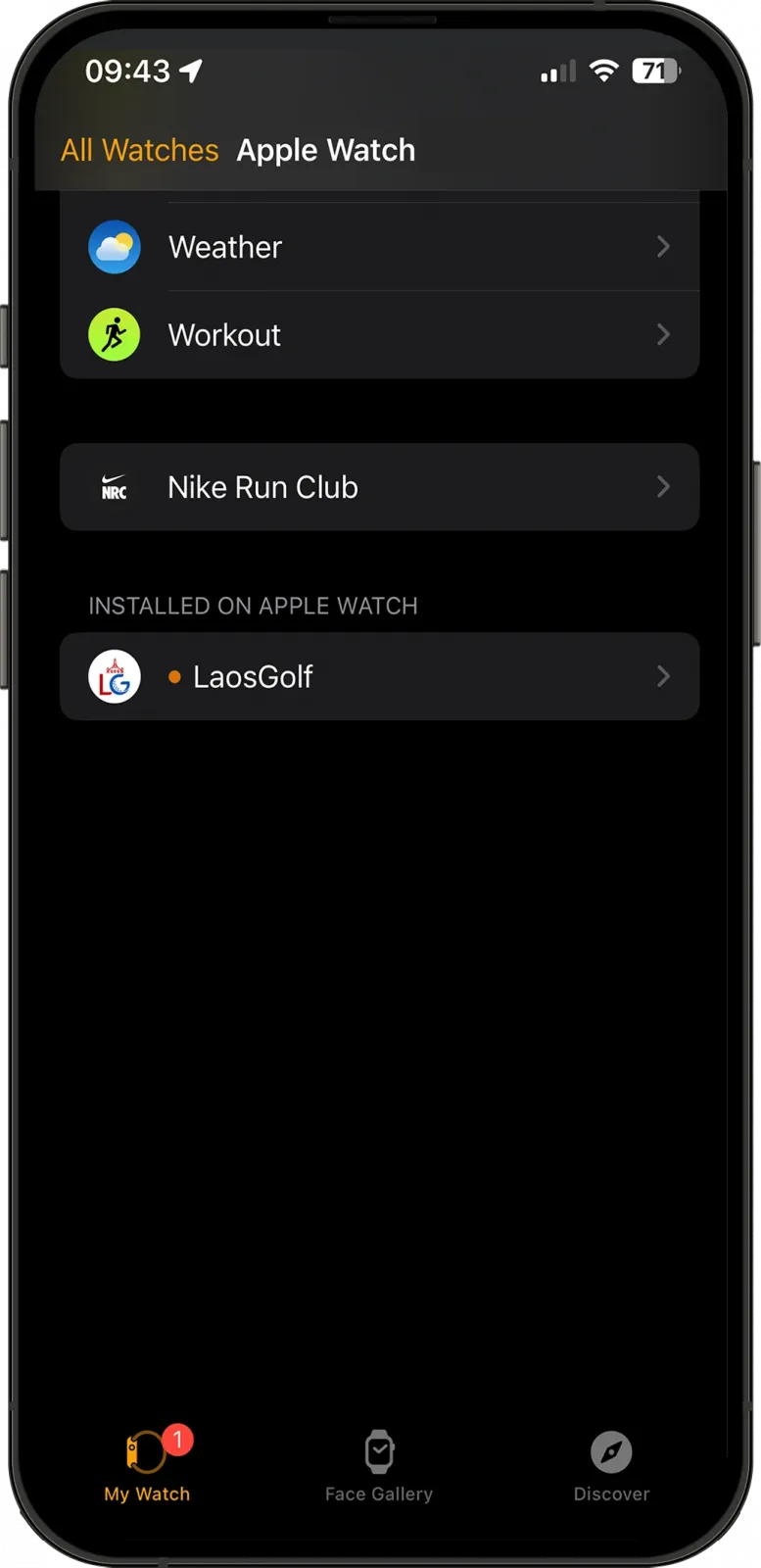
- After installing LaosGolf, open the Watch app on your iPhone.
- Select the “My Watch” tab.
- Scroll down and find LaosGolf in available apps to install.
- Tap “Install” to install the app on your Apple Watch.
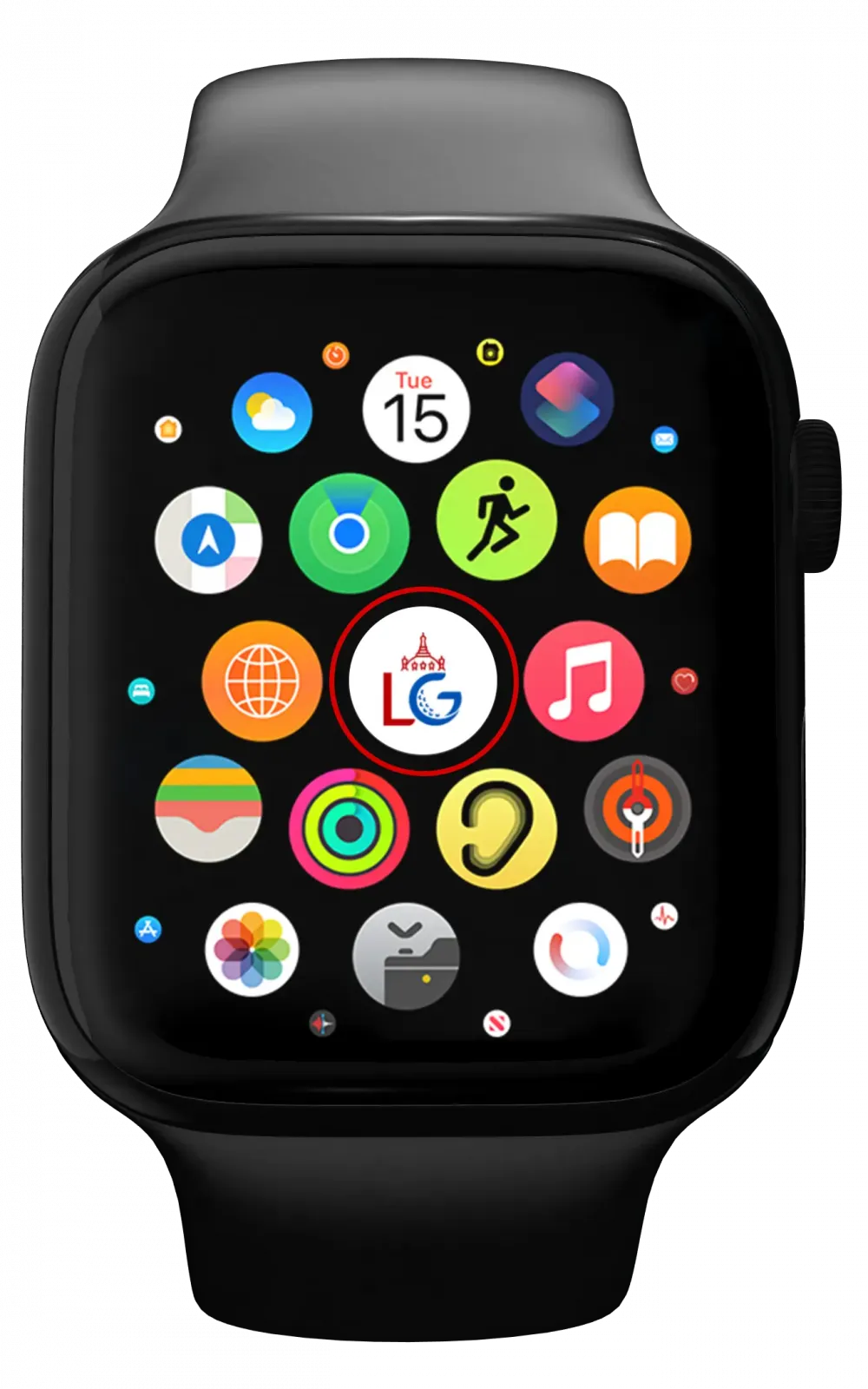
- On your Apple Watch, tap on “Digital Crown” to view your app list.
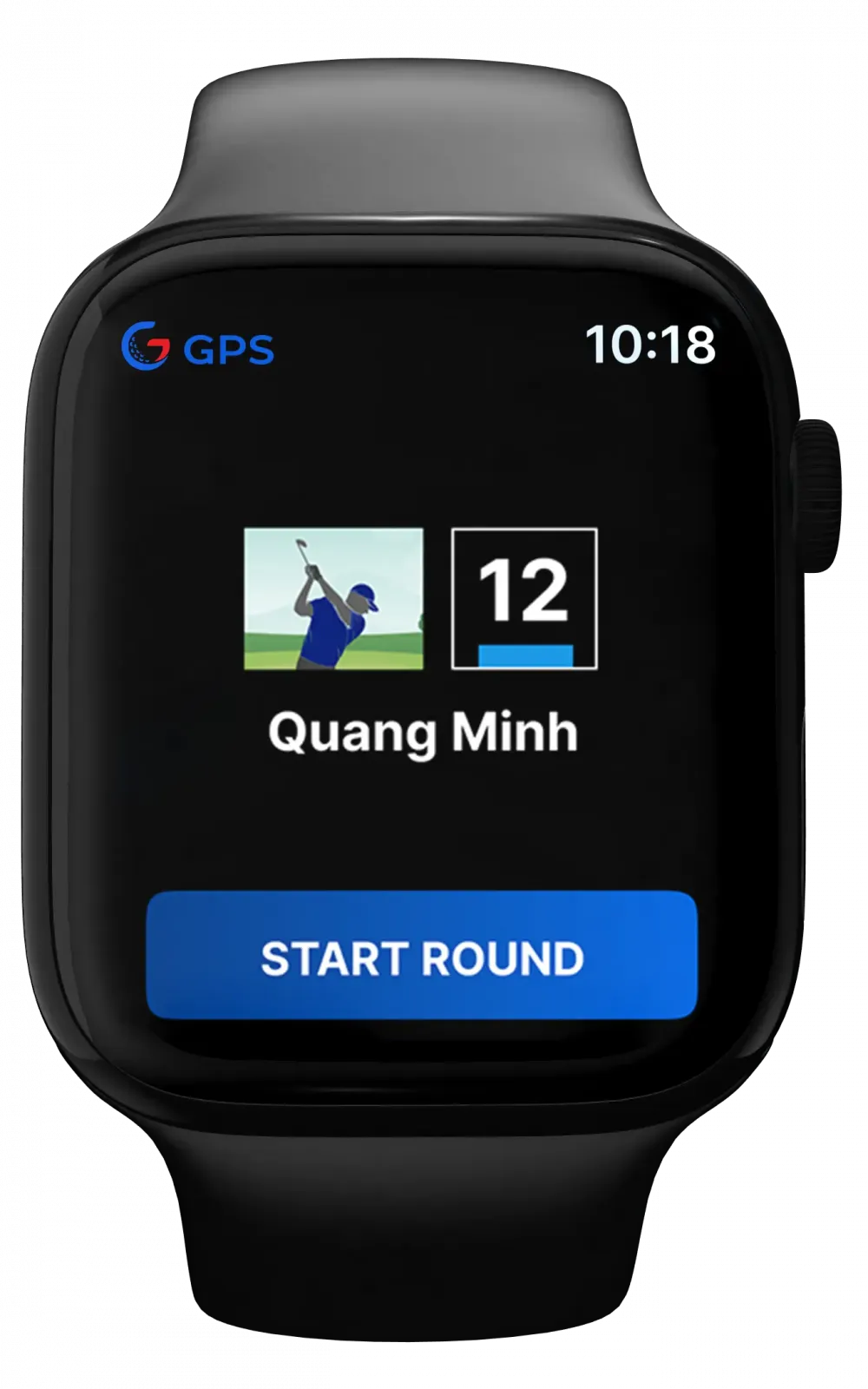
- Find and open LaosGolf to start using it.